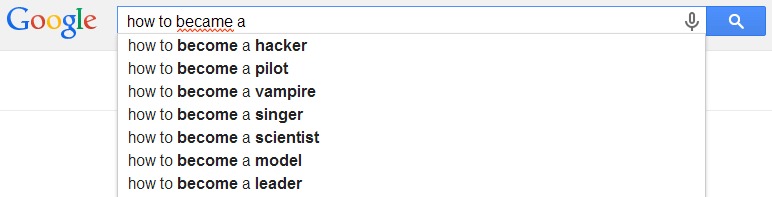
#1 Google helps you in suggesting right keywords
#2 Google Compares two Foods

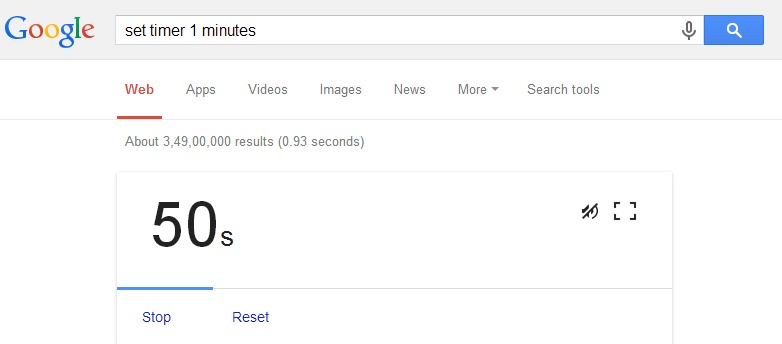
#3 Use Google as a Timer
Also Read: 15 Amazing Android Apps You Wouldn’t Find on Google Play Store
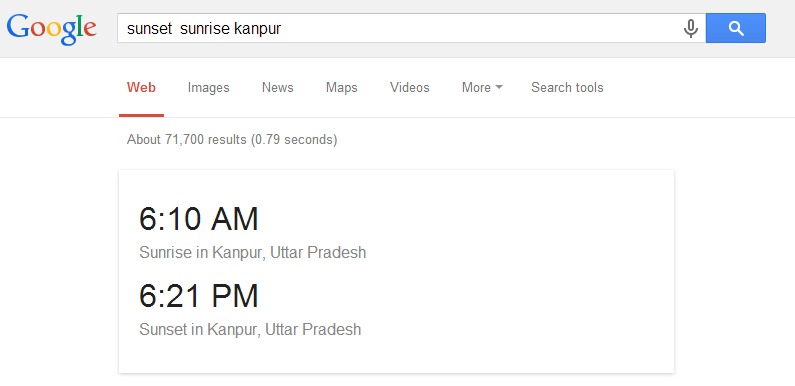
#4 It will give you the exact time of Sunrise and sunset for any city
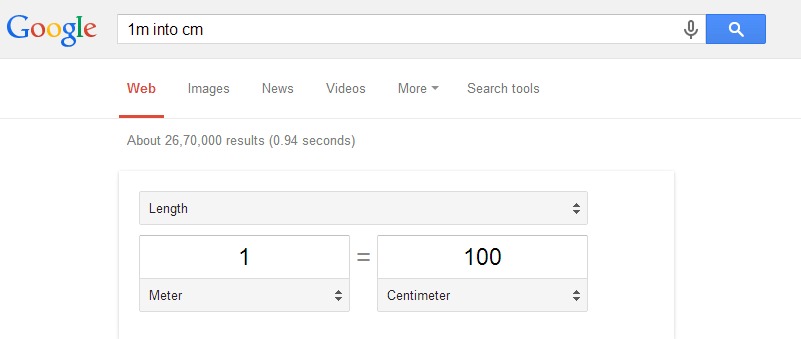
#5 Google will convert for you just like inches to cm
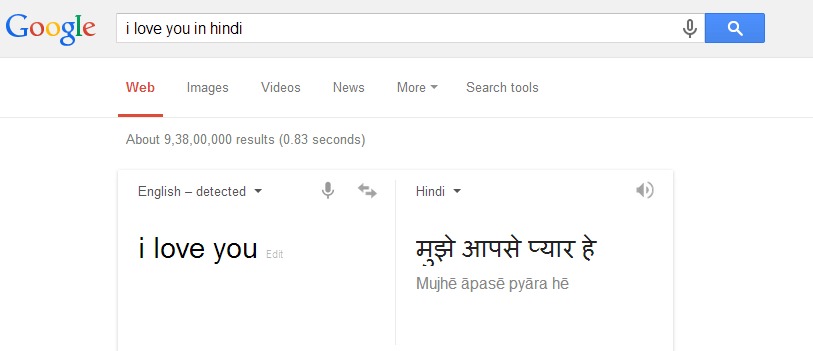
#6 Google will translate for you
#7 Searching for “zerg rush” creates a search page game being eaten by ‘O’s. Click each O three times to kill it

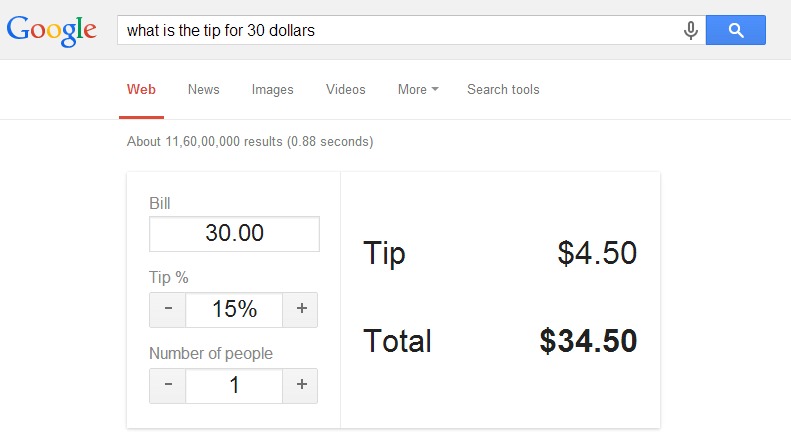
#8 You can calculate exact tip amount for your meals
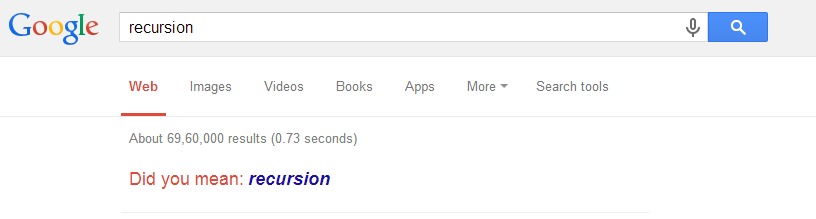
#9 Do a search for “recursion” and get stuck in a loop
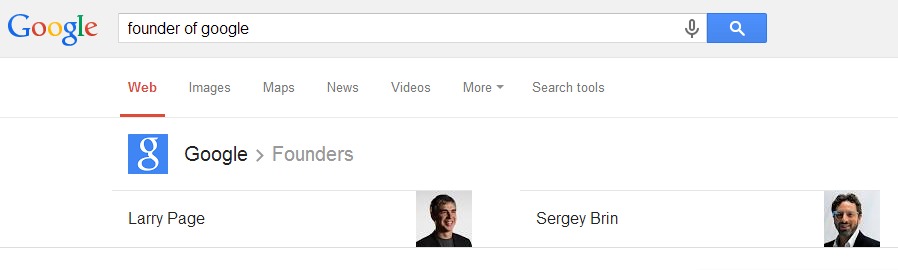
#10 Google will give you information about any company or person
#11 Type the word “tilt” and watch what happens

#12 Google will do some tricks for you search do a barrel roll in google

#13 Feel gravity in Google Gravity
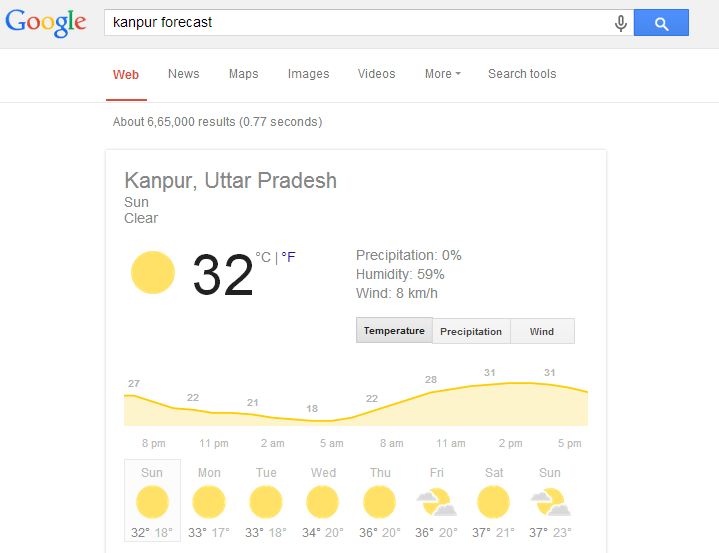
#14 Google will show the weather forecast of any city
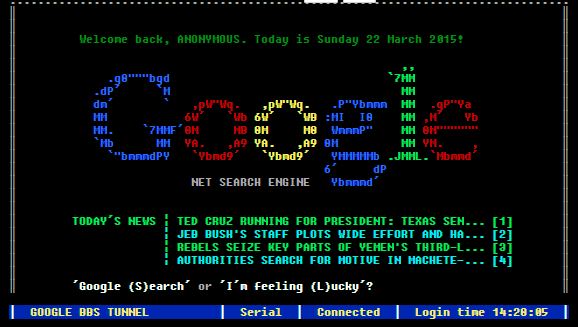
#15 Google Like a Linux Terminal
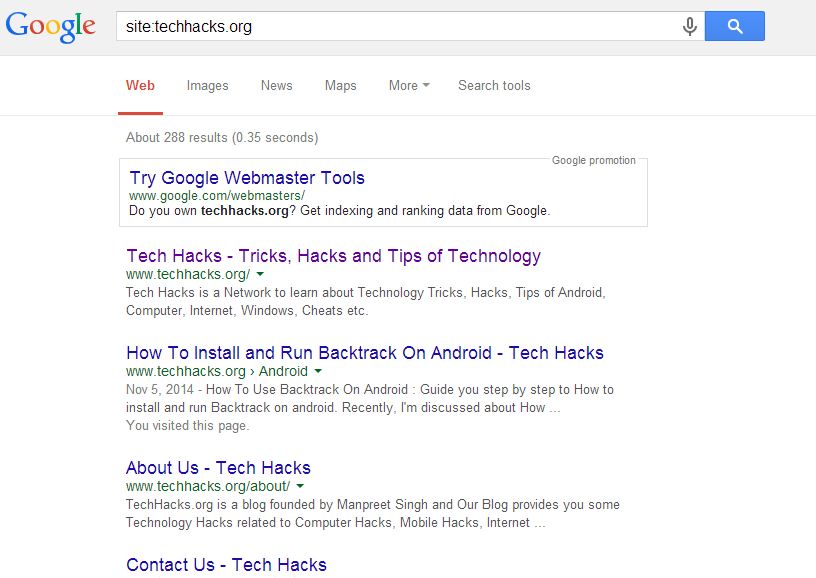
#16 Check results of any particular website
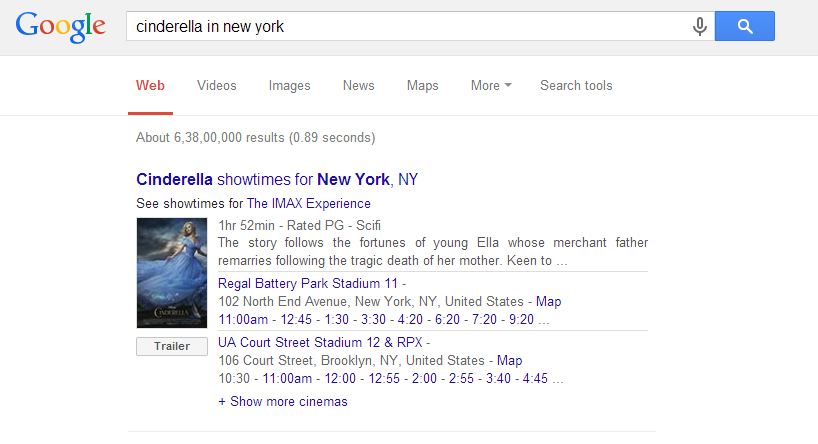
#17 Google can show you movie times and locations
#18 Google can find songs for you by bands you like

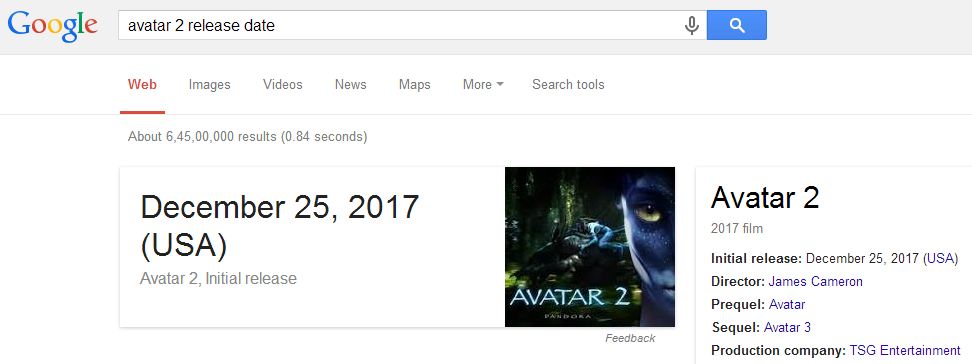
#19 Google will show you release date of any Movie
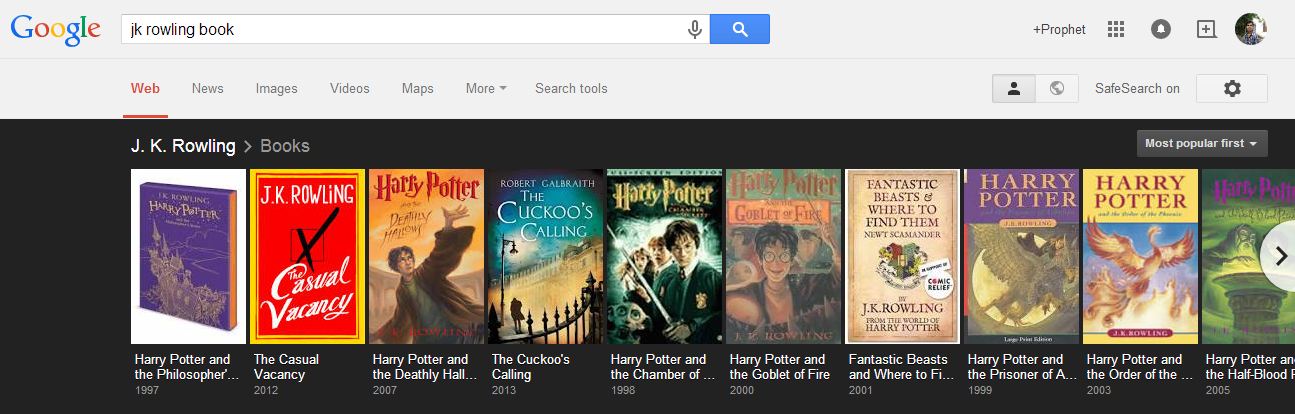
#20 Google can show you books written by your favorite author
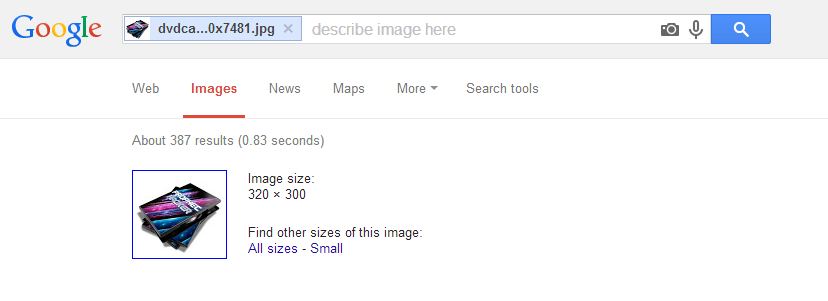
#21 Google will search photographs from any other image
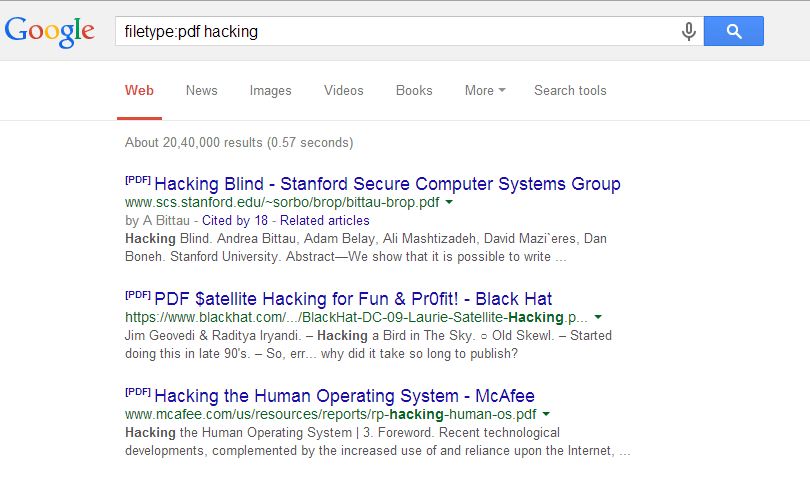
#22 Search PDF file with your terms on google
#23 Special days-search for holiday dates and get reminders on Google Now

#24 Just write “blink html” without quotes in Google search bar and see what happens next

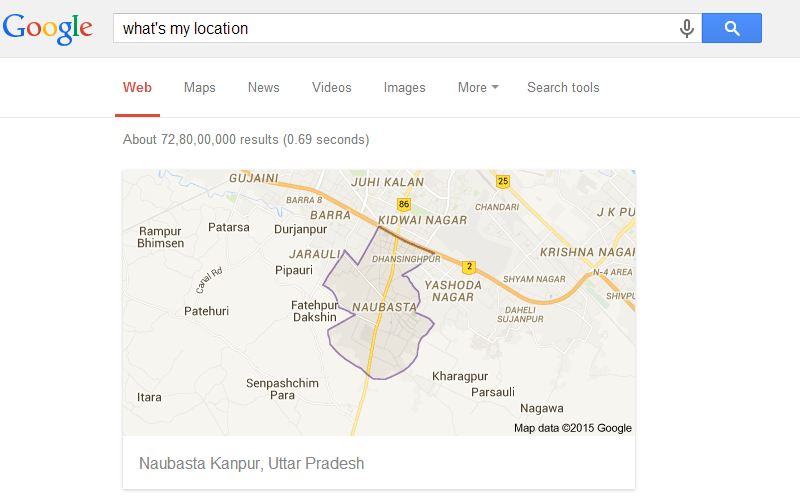
#25 Check your area location from what’s my location
Also Read: How to Create a Guest Account in Windows 10
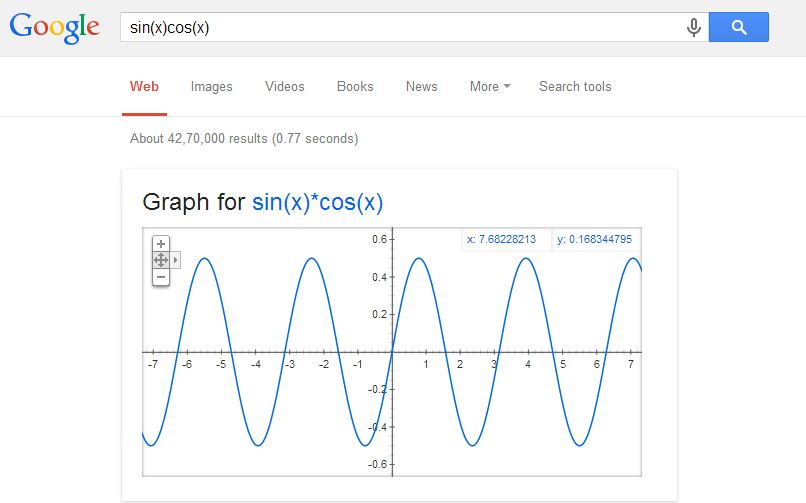
#26 “Graph for (math function)” shows the function plot
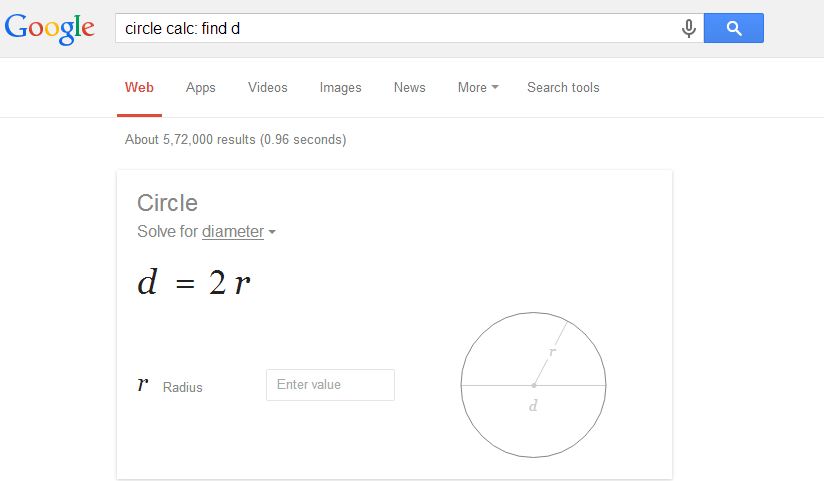
#27 “solve circle/triangle/rectangle/…” similarly solves Geometry problems
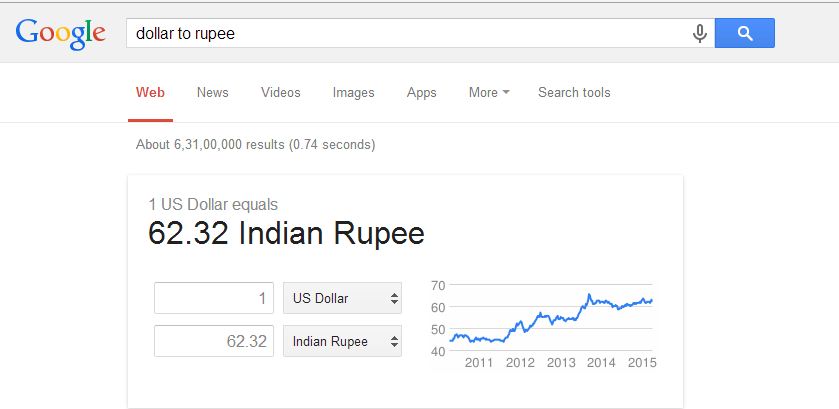
#28 Convert Currency
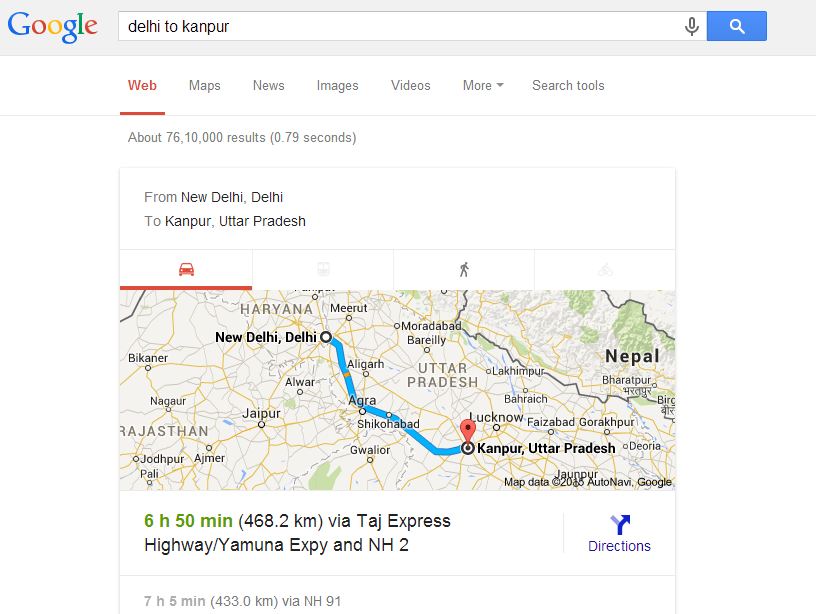
#29 Find out the distance between cities (and travel time)
#30 Go to Google Images and search for “Atari Breakout.”

Also Read: How to Permanently Delete Facebook Account
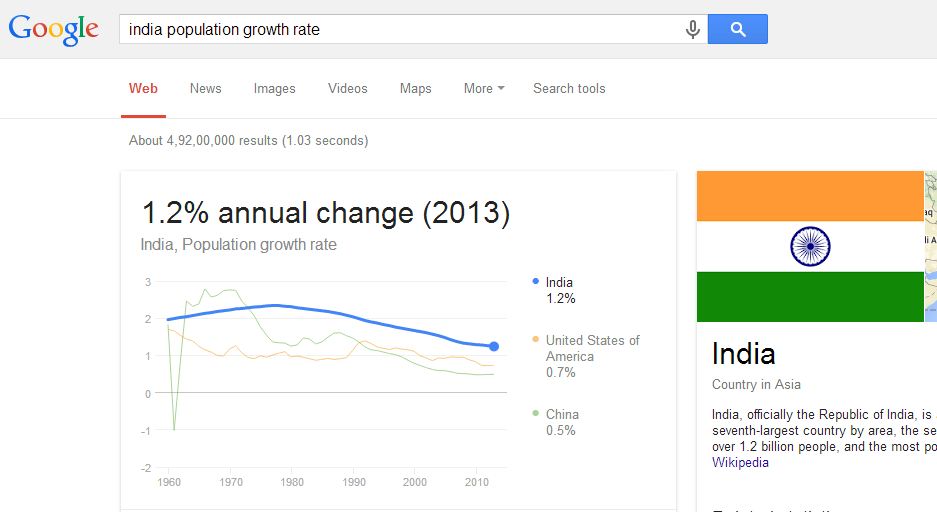
#31 Population Growth Rate of any Country or City
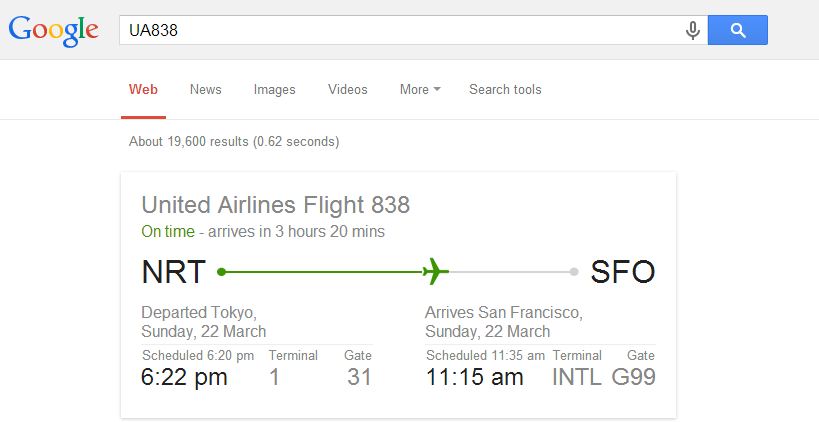
#32 You can check your flight status
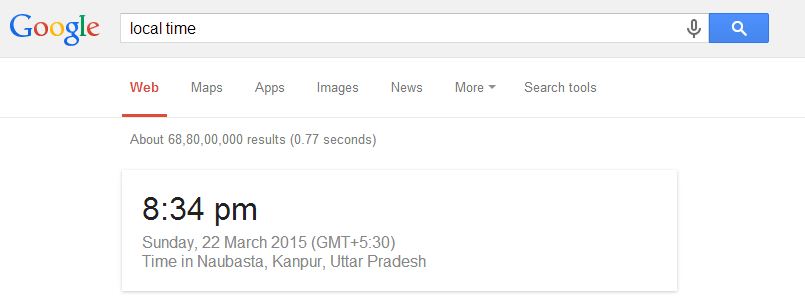
#33 Get the local time anywhere
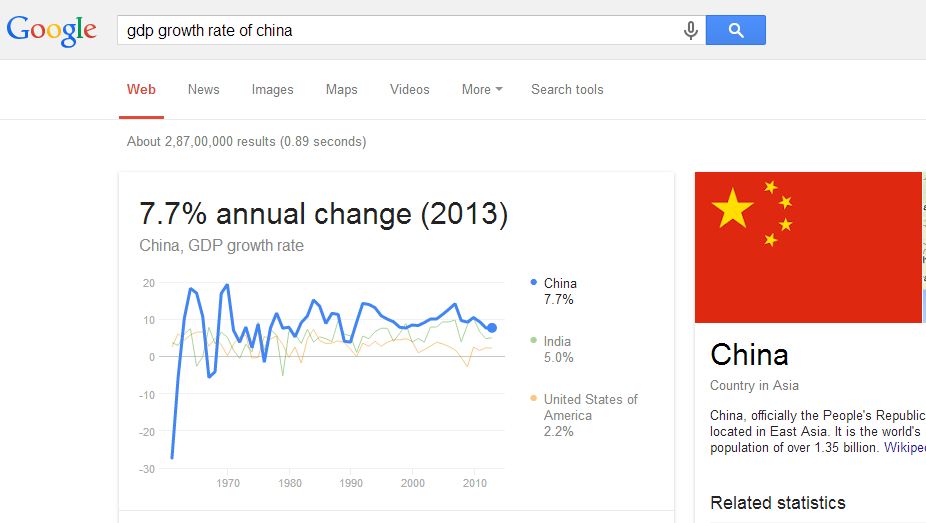
#34 Demographics by Google
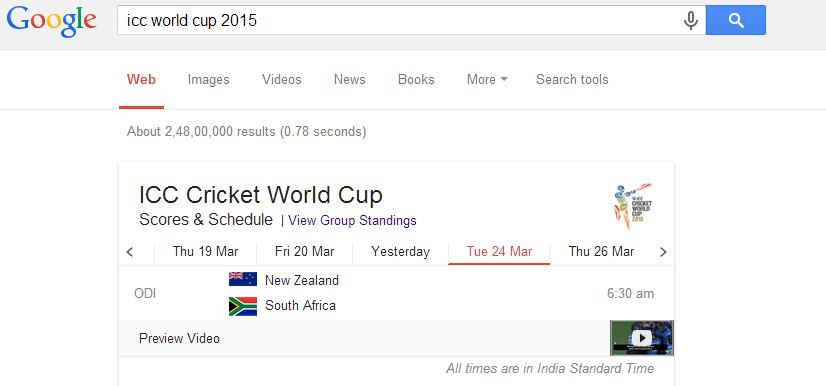
#35 Use Google to Know the Sports schedule and Sports Scores
#36 Animated GIFs Search
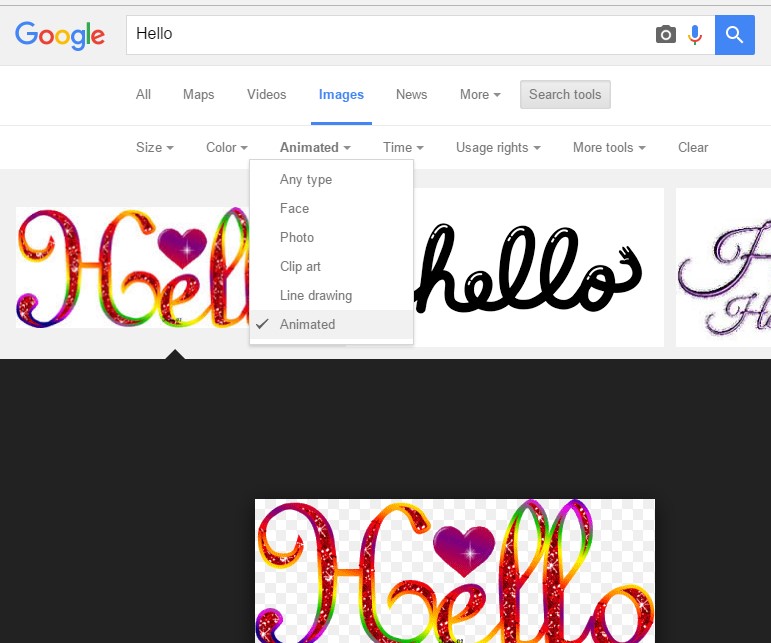
Go to Google image or simply click here. Now you need to click on “Search tool” and select Animated from “Type”
#37 Quotation Marks For Exact Matches
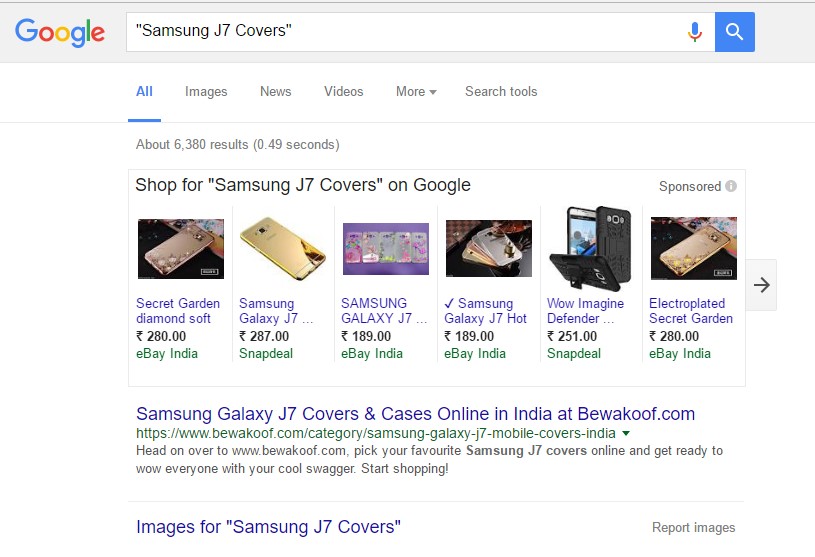
You can try putting your search results under Quotation marks for exact matches for your search queries.
#38 Info of a Website
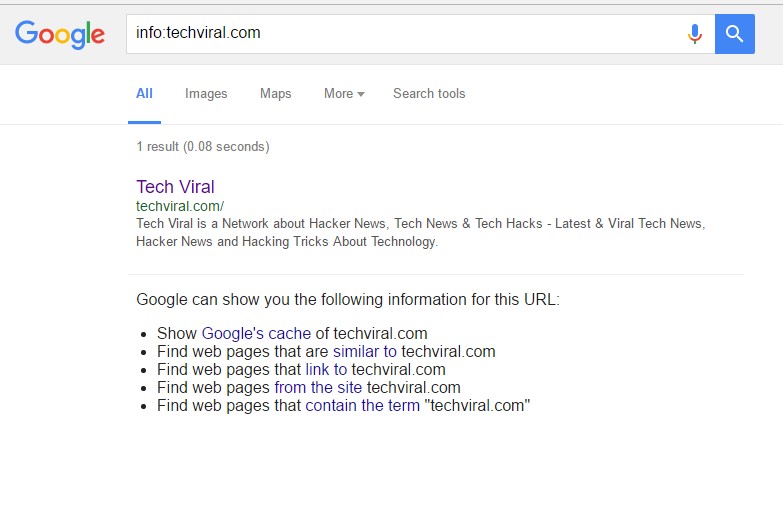
If you type info:URL ( Replace URL with the website URL) and Google you show you cached version of the web page, similar web pages and web pages that link to the site by performing a single search.
#39 Google Calculator
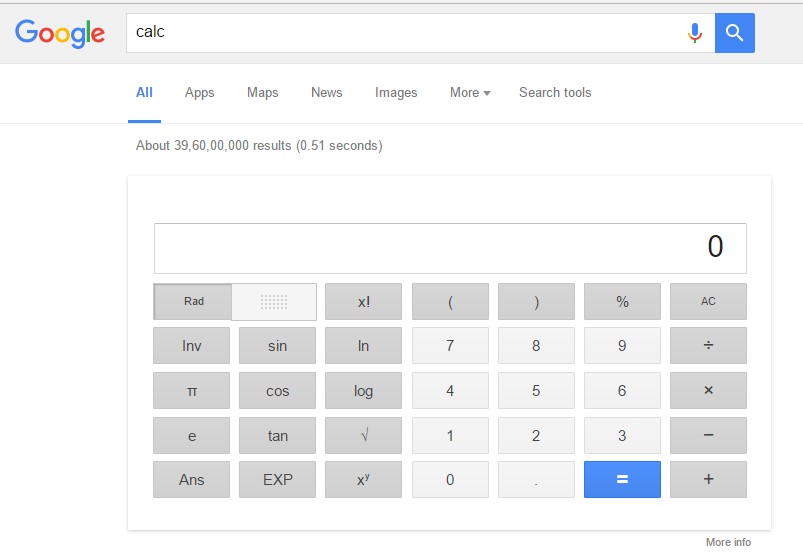
Google Search has a built-in calculator! For this you just need to type “Calc” in Google search result
#40 Flip the Coin to Make Decissions
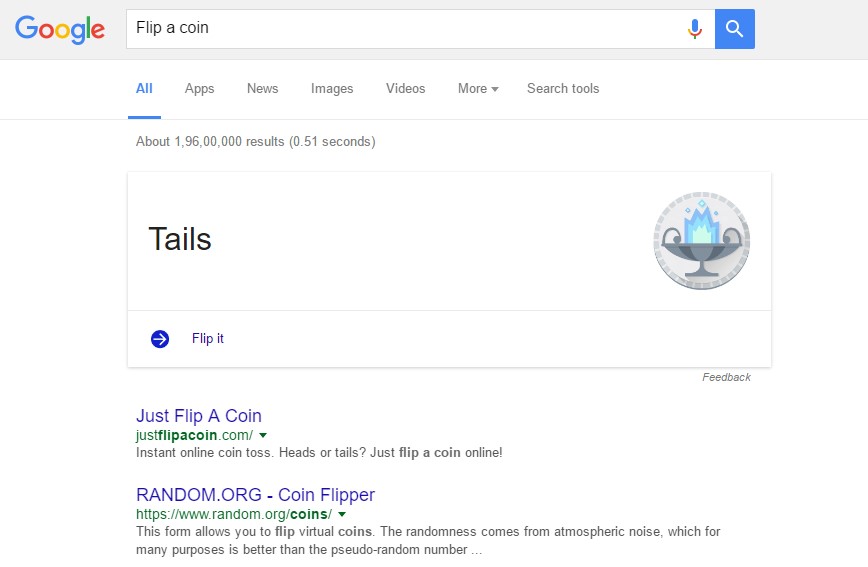
You can type “Flip a coin” in google search box and Google will filp a virtual coin for you.
#41 Roll a Dice
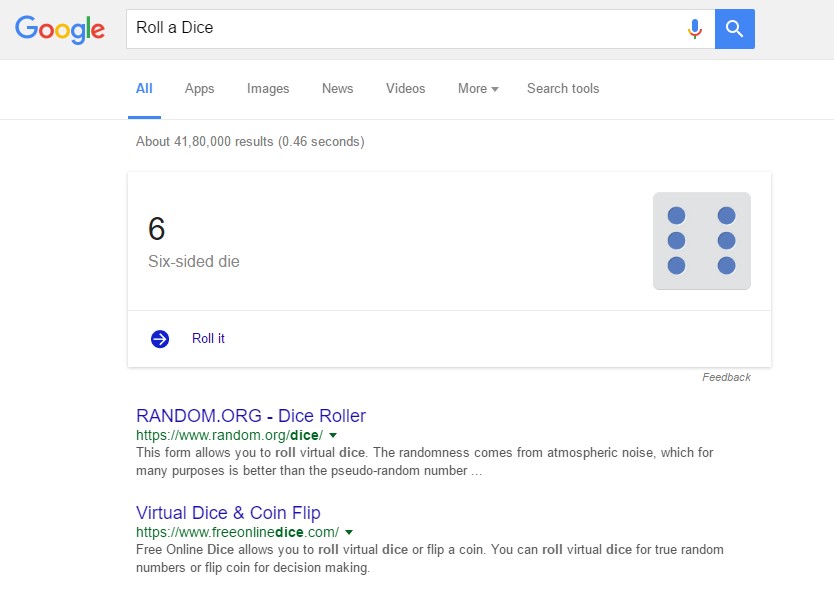
Just like the above one. Google can roll a dice for you. You just need to type “Roll a Dice” in Google search box.
#42 Set a Timer
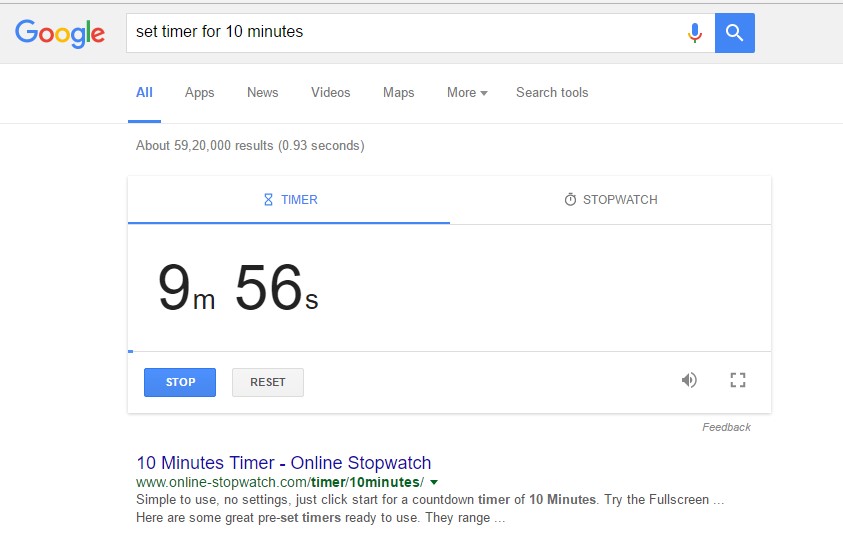
If you need a quick timer and you are on internet then you can try searching “set timer for 10 minutes” ( you can set the timer as long you need ) Google will start a timer for you.
#43 Check weather Quickly
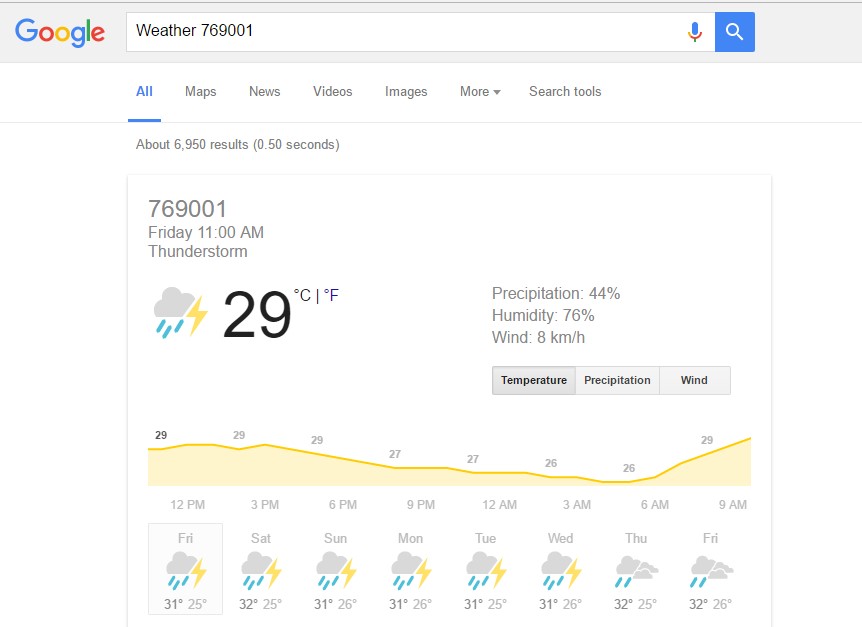
You just need to type Weather and your zipcode for example “Weather 12345” and Google will show you weather forecast of your current location.
#44 Find out Your IP Address
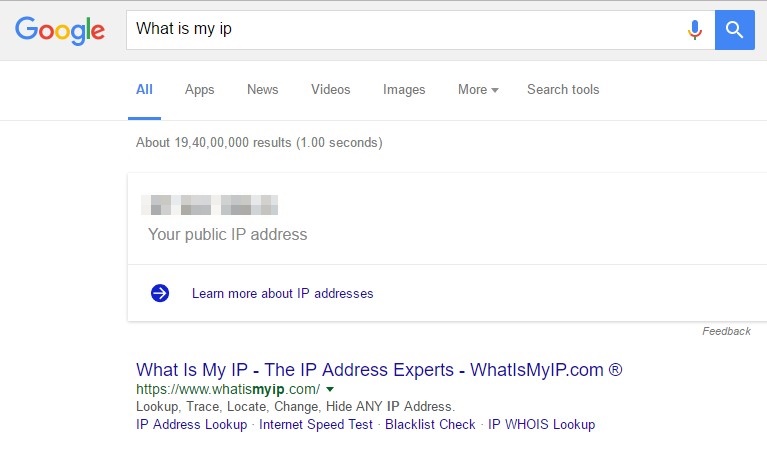
If you want to find out your IP Address simply type on Google “What is my ip” Google will show you the ip address.
#45 Play Tic Tac Toe
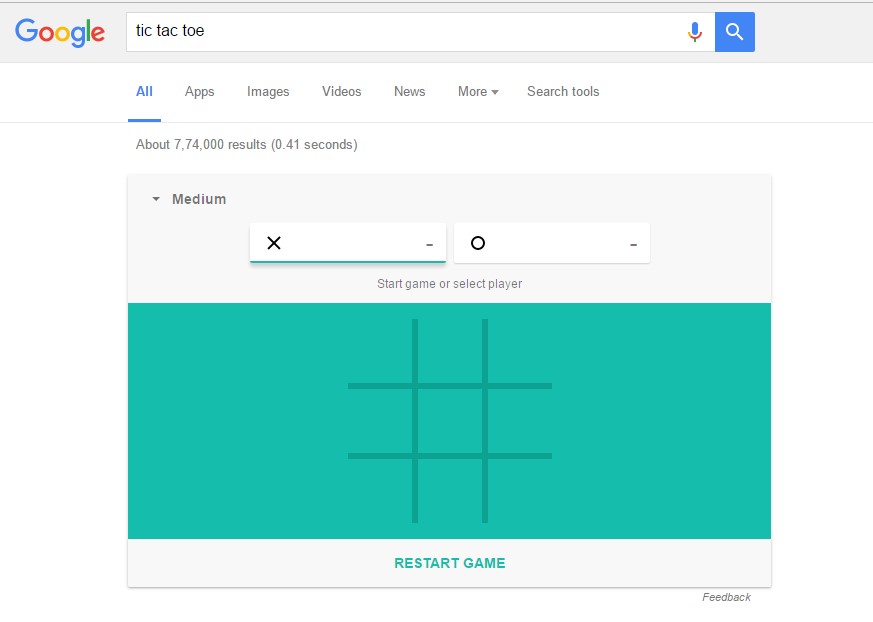
You just need to type “tic tac toe” in Google search result and you can play the game on Google search page itself.
#46 Play Solitaire
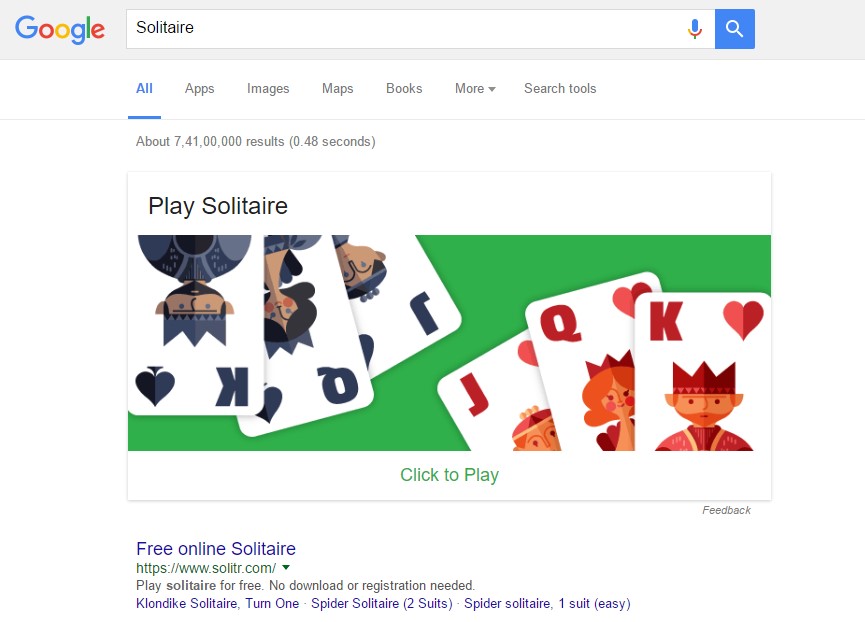
Just like the above one you can play Solitaire too. Just type “Solitaire” on Google search box and you can play the Game.
#47 Type Askew in Google
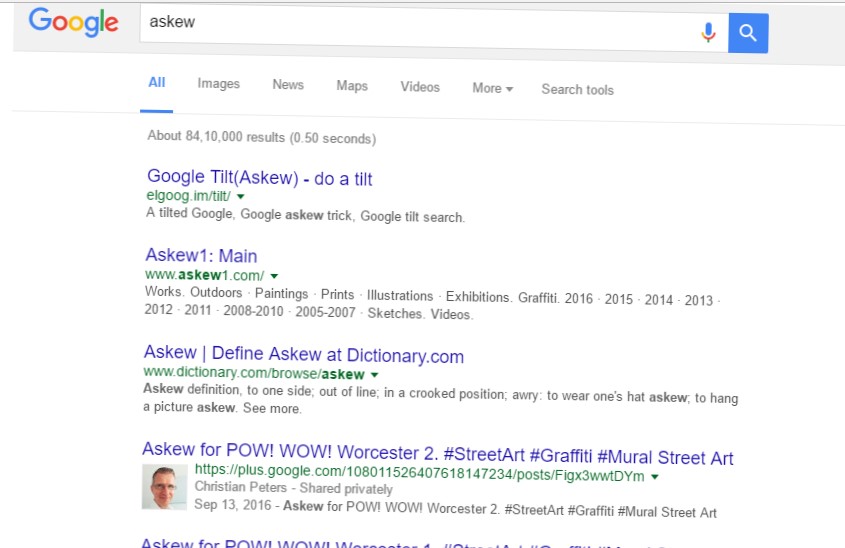
“askew” causes the results page to be tilted, leaning down, left to right.
Also Read: Top 10 Best Google Chrome Tricks and Tips
#48 Type Festivus in Google
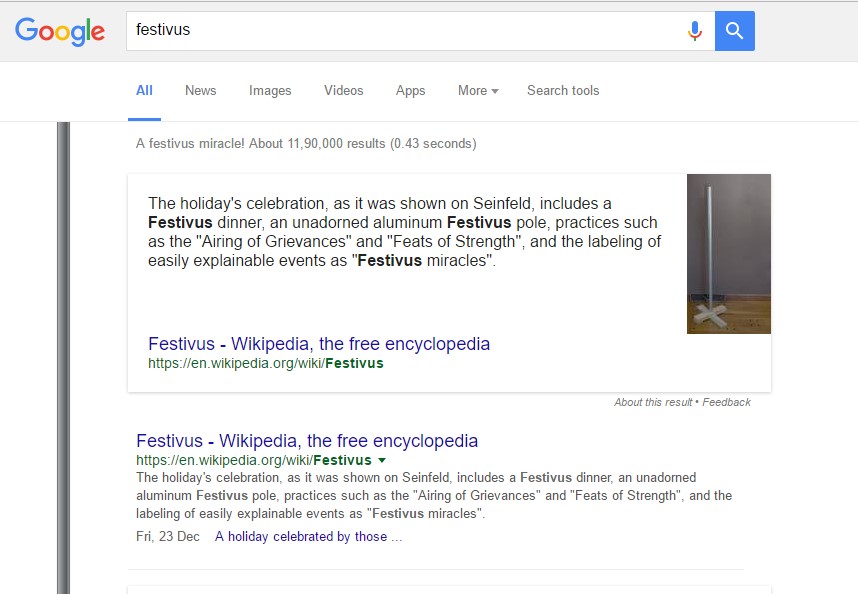
“festivus” shows an image of the Festivus pole beside the search results.
#49 Search “Google in 1998”
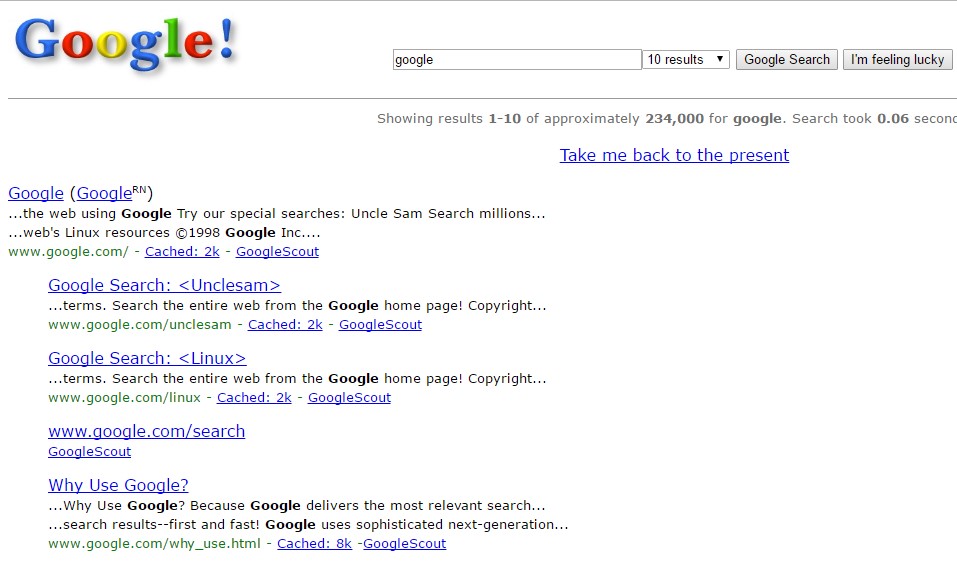
“google in 1998” on a desktop browser will generate a layout similar to the one Google used for its search engine in 1998
#50 Type “Webdriver torso” in Google
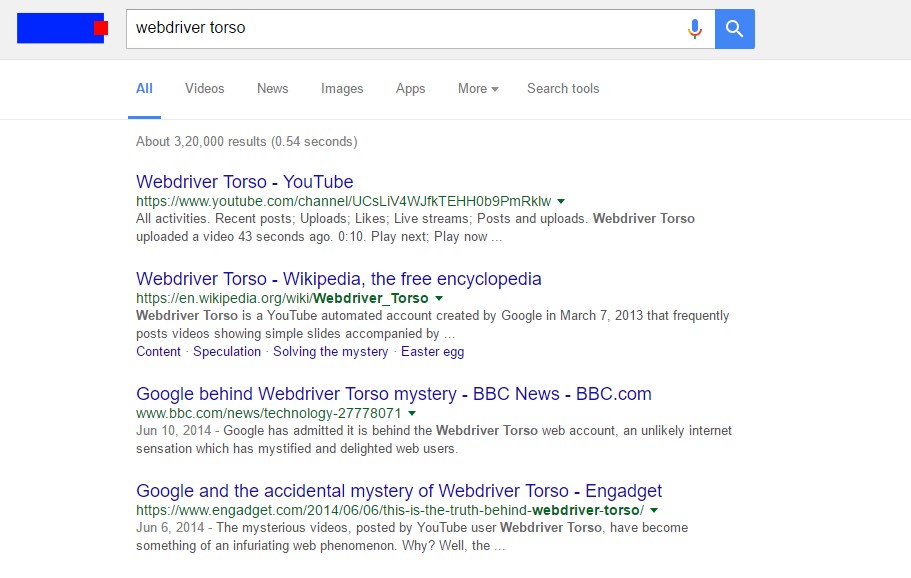
“webdriver torso” turns the Google logo into the moving colored blocks. This does not work on mobile devices. This does not work when there is a Google Doodle on that day.
#51 Type what sound does a cat make in Google
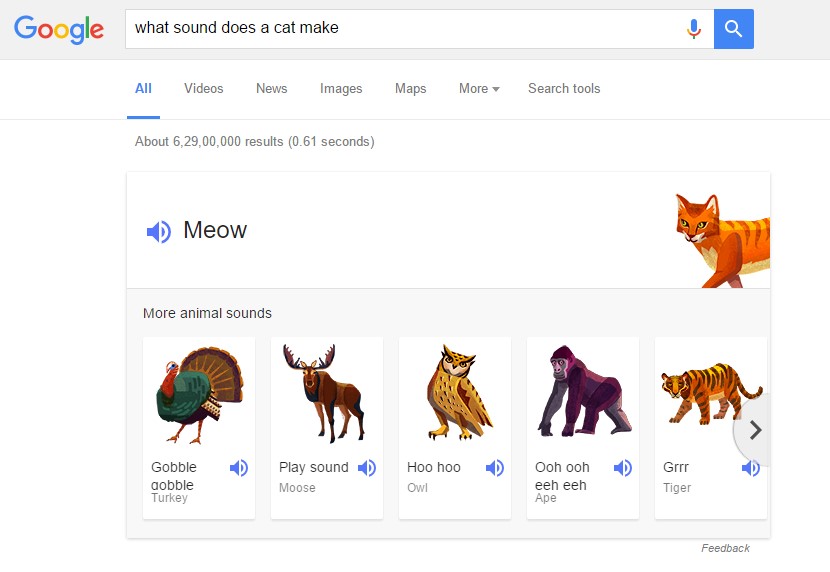
“what sound does a cat make” you can replace cat with other animals. Google will sound out what a cat will make.

No comments:
Post a Comment